Update Renault Megane MK3 Radio to 2.42 (Latest/Final Update)
On this page
The latest and last update for the standard Renault Megane MK3 headunit solves some issues with Bluetooth, so here’s a guide on how to do that.
What you’ll need
First you need a USB stick formatted to FAT32.
Download this file and place it on the USB stick, make sure it’s the only file on it.
Check your current version
Plug the USB stick into your car and make sure the radio is on. I would start the engine to make sure the ignition doesn’t turn off during the process.
Switch the radio into FM mode.
Open settings which is the bottom right button on the radio and navigate to Audio Settings > USB connection version > Display the software version.
If it says anything other than “s2.42m2.42” then you need to update.
Install the update
Open settings which is the bottom right button on the radio and navigate to Audio Settings > USB connection version > Update Software.
The update will take 1-2 minutes and then you’re done!
Disclaimer: This guide is provided for information only, and you follow it entirely at your own risk. Updating the firmware on your radio carries a risk of the unit failing to boot or becoming unusable if the update is interrupted, so make sure the engine is running or your battery is in good health before you start, and don’t turn anything off or remove the USB stick until it has finished. I can’t be held responsible for any damage to your radio, your car or your warranty.

-
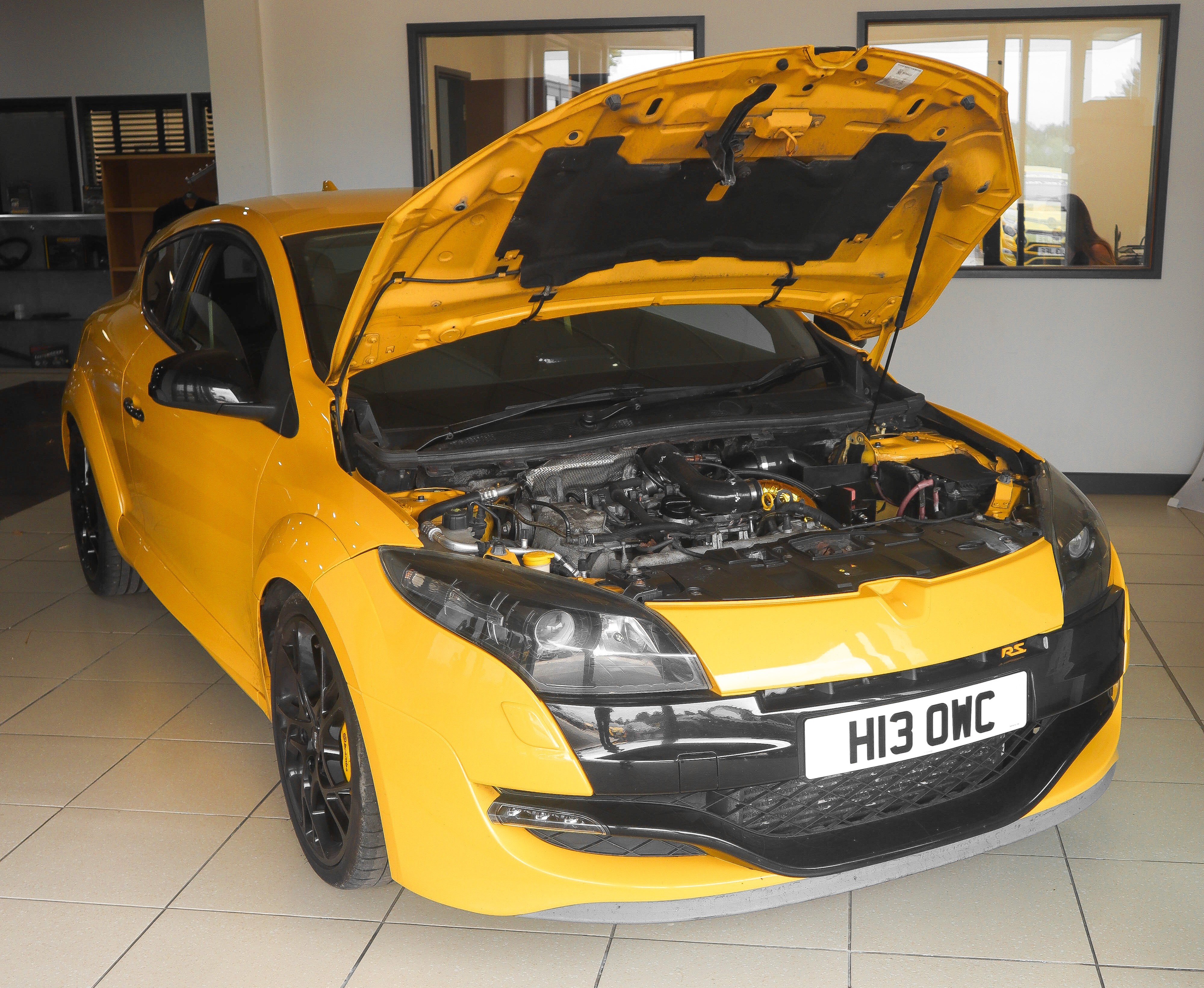
Renault Megane RS 250 (R.S.400)
Modfied Renault Megane RS 250 build
-
VentPuck
A round touch-screen OBD2 gauge that sits in the air vent of my Megane RS

-
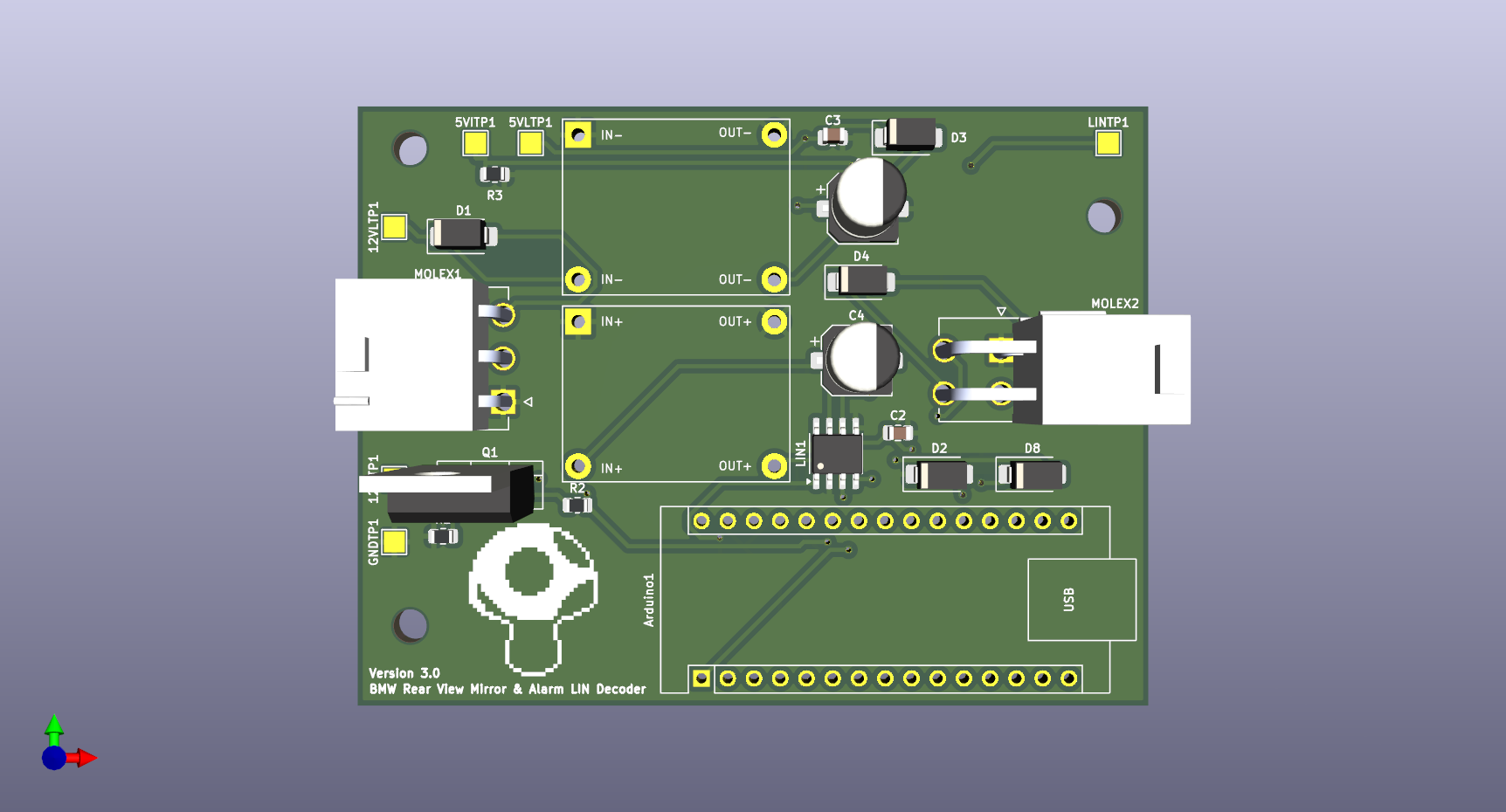
BMW Rear View Mirror LIN Decoder
A board to decode a LIN BMW rear view mirror
-
Update Renault Megane MK3 Radio to 2.42 (Latest/Final Update)
A guide on updating radio/headunit in a Renault Megane MK3 to 2.42 which is the latest and final update.
-
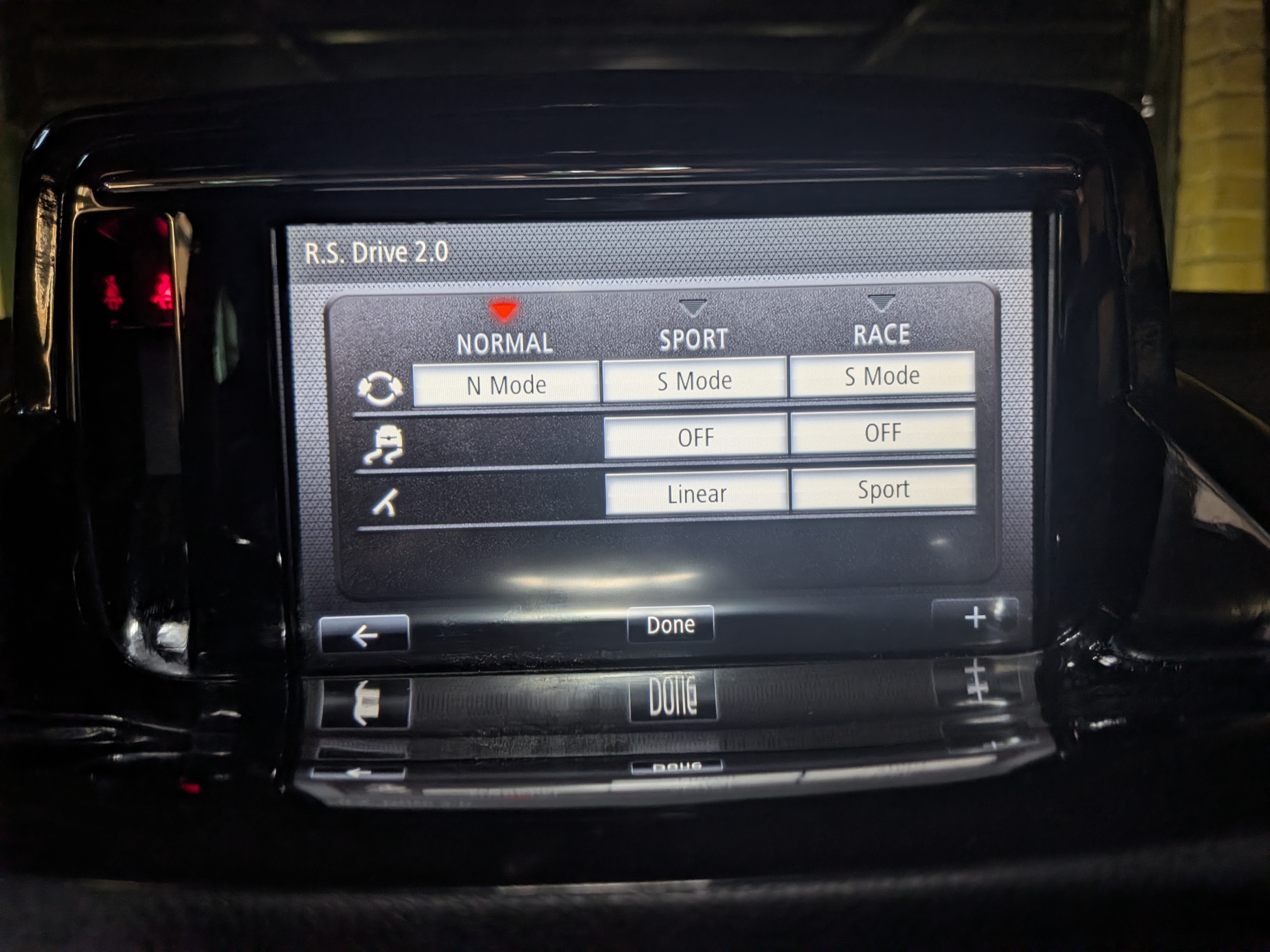
Enabling RS Drive 2 in a Megane MK3
A guide on enabling RS Drive 2 in RS Monitor on a Renault Megane MK3 with a R-Link infotainment system.
-
Retrofit Sunvisor Lights to Renault Megane MK3
A guide on retrofitting sunvisor lights to a Renault Megane MK3.
-
Retrofit Powerfold Mirrors Renault Megane MK3
A guide on retrofitting electric folding mirrors to Renault Megane MK3.